
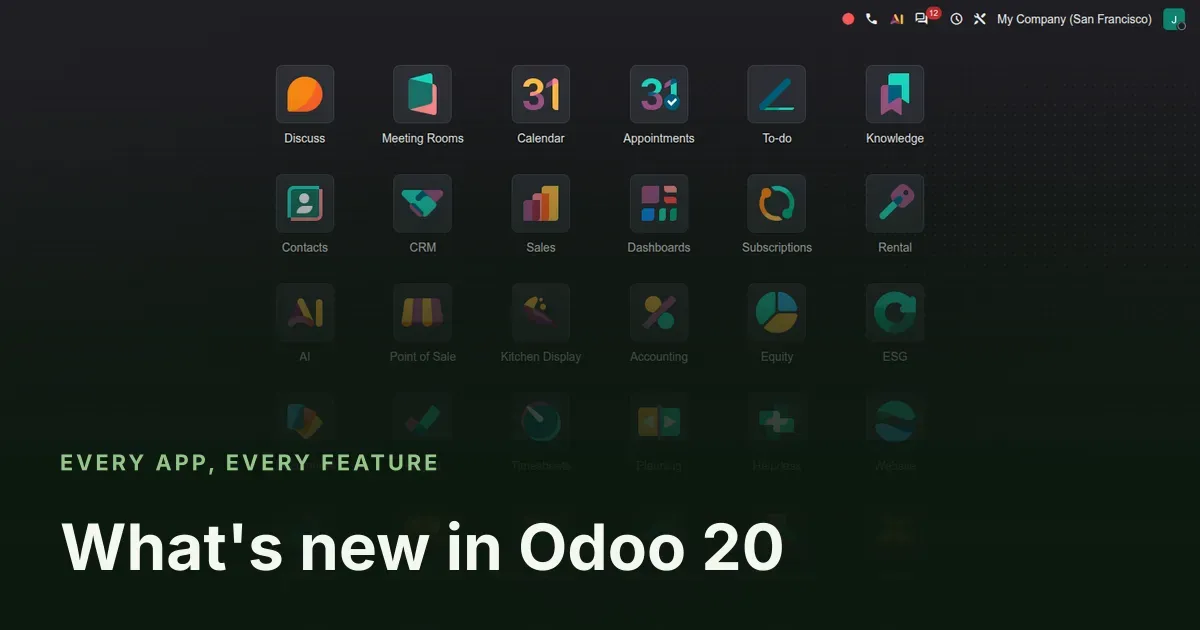
The biggest Odoo release since 17, read from the source before it ships
Odoo 20 is not out yet. We read it anyway: the whole 20.0 Enterprise branch, diffed against 19.0, then installed as a full demo database and clicked through app by app. This hub is the map of what we found. Each section below links to a deep dive with the screenshots, the menu paths as they really are on the build, and the things we could not verify.
Three changes set the tone. Odoo now ships an agent platform, not a chatbot: agents with skills, sources and triggers, plus an MCP server that lets Claude, ChatGPT or any MCP client work inside your database. The whole back office got a new look, called Frost, with a real dark mode. And Field Service stopped being an app: it now lives inside Planning, which matters for every migration script that names it.
Film transcript (on-screen text)
- Frost, the new Odoo
- AI Agents
- "Can AI sort our helpdesk tickets?"
- "Sure, I'll build an agent. No code."
- MCP Server
- "Could Claude read our sales pipeline?"
- "One MCP key and it's connected."
- AI Website Builder
- "Writing our new page with AI..."
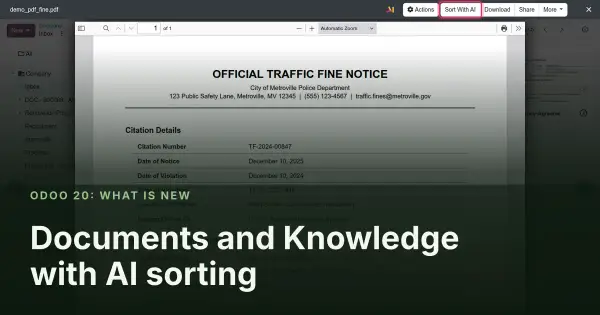
- Sort with AI
- "Where did that traffic fine go?"
- "AI filed it under Fleet already."
- Dark mode
- "Odoo looks brand new!"
- "And there's a dark mode now."
- A fresh new look
- Field Service in Planning
- "Can you plan tomorrow's interventions?"
- "Routes are on the map already."
- Smarter Gantt
- "Move one task, the chain follows."
- Planning side panel
- "Open shifts? Just drag and drop."
- Tax returns
- "Is the VAT return ready?"
- "All checks passed. Filing now."
- Bulk reconciliation
- "Reconciling the whole batch at once."
- "Hey Lucas! Is payroll ready for this month?"
- "Almost, two employees need a review."
- "Perfect, thanks!"
- Field Service on mobile
- "Heading to my next job..."
- Payroll pay runs
- "Reviewed. Pay run validated."
- Timesheets Assistant
- "Did you log your hours?"
- "The assistant filled my timesheet!"
- Point of Sale
- "Two pizzas for table 3!"
- Preparation display
- "Order ready in the kitchen."
- Frontdesk kiosk
- "Welcome! Please check in."
- Sign
- "Contract sent for signature."
- Barcode
- "Serial numbers in one tap."
- Work order planning
- "Replanning the shop floor."
- Work center Gantt
- Rental Click & Collect
- "Can I pick up the rental in store?"
- "Yes, Click & Collect!"
- Self-ordering
- "Customers order from their phone."
- VoIP call flows
- "Our new phone menu is live."
- Picture-in-picture calls
- "Calling Abigail back now..."
- Dynamic lists
- "Targeting that updates itself."
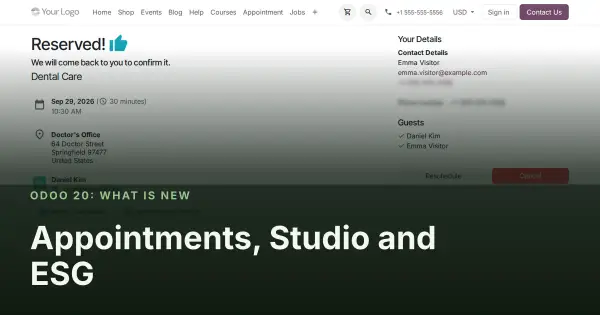
- Appointments
- "I need to move my appointment."
- "Reschedule in two clicks."
- Studio reports
- ESG targets
- "We reached our ESG target!"
The film above runs two and a half minutes and covers the highlights. The rest of this page is the full inventory, in the six groups the release itself falls into.
Observed on the Odoo 20.0 Enterprise pre-release build of September 23, 2026. Names, menus and availability can change before general availability; we will update this page when they do.
Artificial intelligence: agents, an MCP server and AI in every app
The module count tells the story: AI modules went from 15 in Odoo 19 to 51 in Odoo 20. The centre of it is AI Agents, records with instructions, reusable skills, knowledge sources embedded with pgvector, and triggers wired to automation rules, so an agent can set a ticket's priority when it arrives or summarise last week's lost deals every Monday. Every write goes through a confirmation card. The MCP server exposes the same tool layer to outside assistants through API keys with an MCP scope and an OAuth flow for registered clients.
Around the platform, small bridge modules seed AI where people already work: an AI Campaign Assistant that builds a marketing automation flow from a goal, one-click prompts in Sales, Purchase, Stock and Project, similar-ticket search and drafted answers in Helpdesk, a Website Builder assistant that writes and restyles a page, AI sorting in Documents, an accounting auditor agent that works with an independent reviewer, and AI suggestions for ESG emission factors.
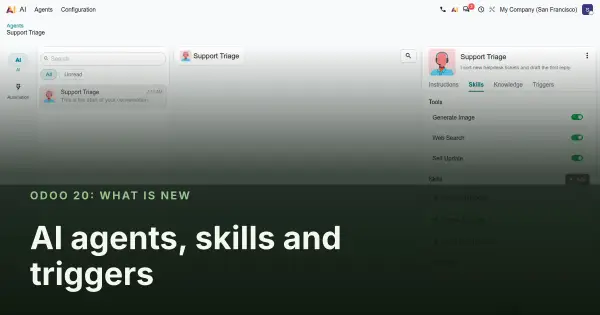
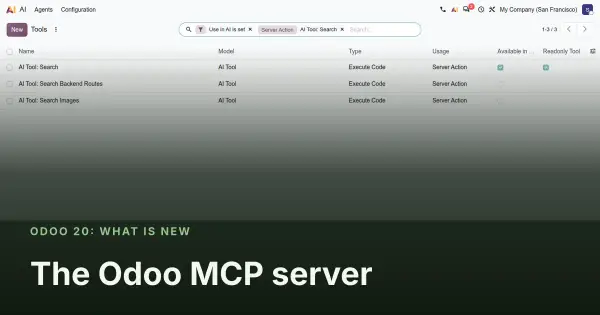
One caveat runs through all of it. Every AI request goes to Odoo's own proxy and is billed in IAP credits; there is no setting to pick the model or bring your own OpenAI, Gemini or Anthropic key. Our screenshots show the configuration screens; the agents' replies could not be captured on a private demo, because the AI endpoint has to call the database back over a public URL.
Design, planning and hardware
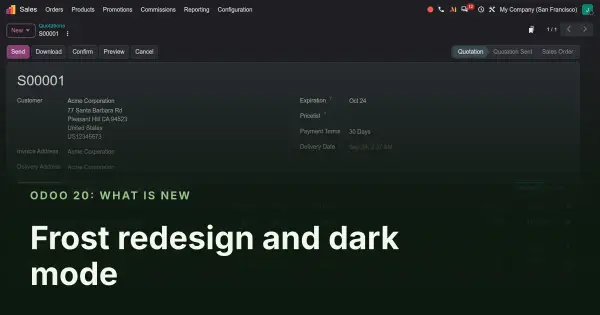
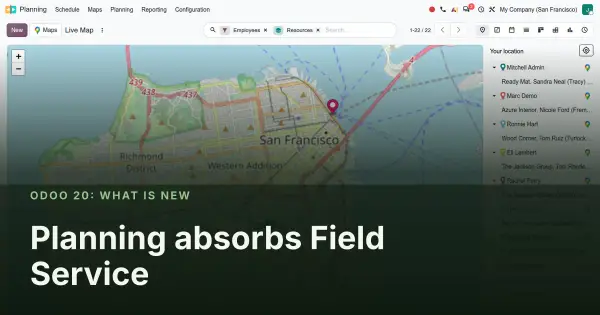
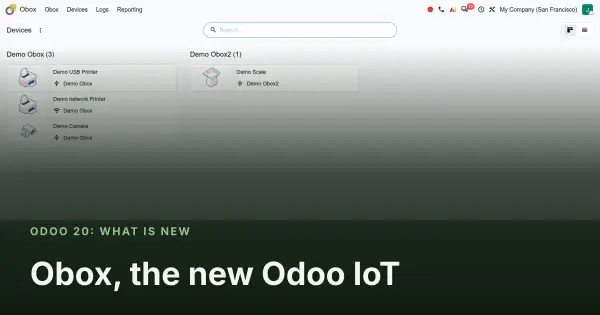
Frost is the first full redesign of the back office in years: new home menu, new form chrome, a light and a dark theme the user picks in Preferences, and a sysadmin message banner. Planning absorbs Field Service (the industry_fsm modules are gone, replaced by planning_field_service), gains a side panel for open shifts, flexible resources and materials such as vans, and better Gantt and Map views shared with Project and Time Off. Obox replaces the IoT Box, with Android devices able to act as one. Frontdesk gets a redesigned kiosk, host notifications and a members mode.
Accounting and finance
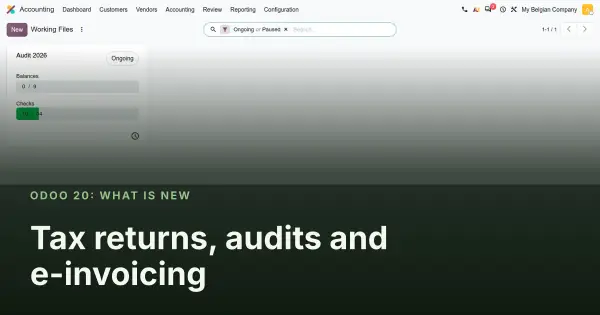
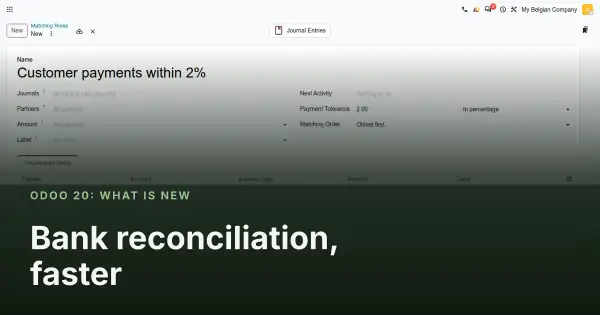
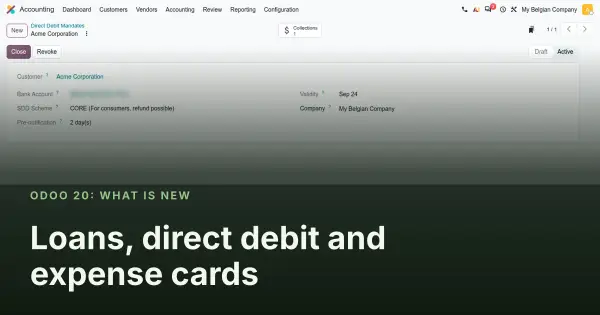
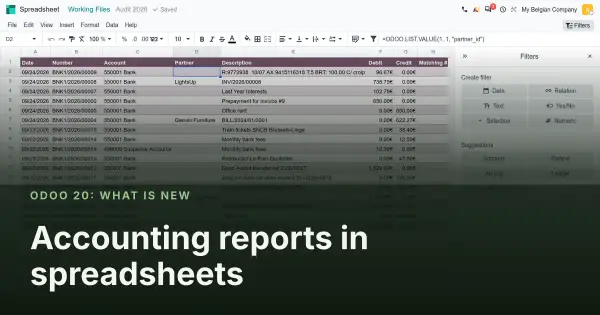
Accounting is where Odoo 20 spends the most engineering. Tax returns become a guided flow with automated checks and an audit working file; an auditor agent reads the ledger and a second agent reviews its findings. Bank reconciliation gains multi-select actions, matching rules with tolerances and a split for journal items. Loans can be created from a PDF schedule, SEPA direct debit mandates are first-class, and expense cards arrive through Stripe Issuing. Accounting reports open in spreadsheets with live filters. Localizations move on both directions: new e-invoicing formats arrive, and a long list of country reports leaves the Enterprise branch.
Human resources and services
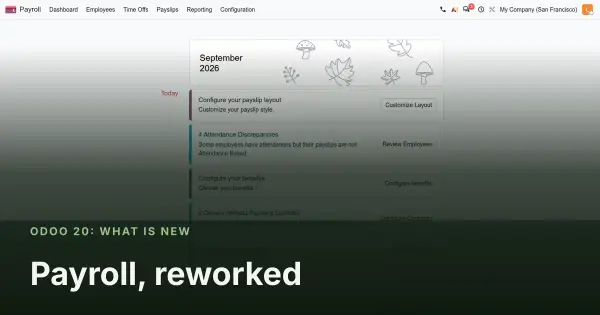
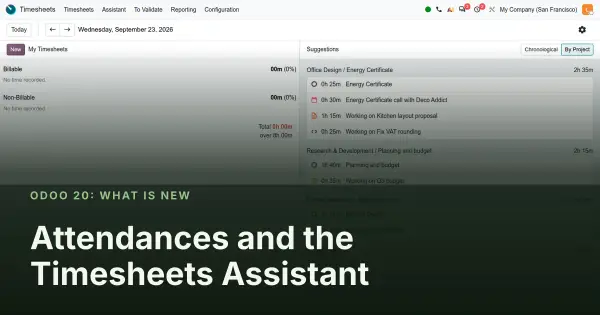
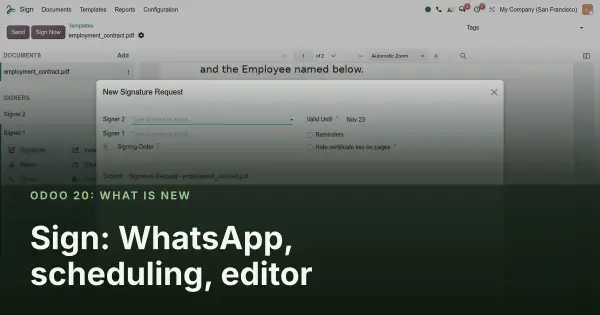
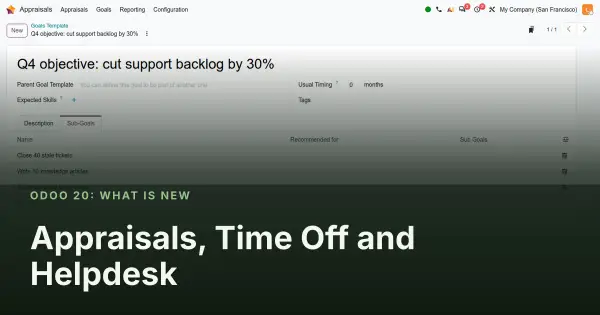
Payroll is reworked around one list of salary rules and inputs, employee-level payroll properties, a To Review state on employee records and a pay run review; new countries join and some packages leave (France, US ADP, Italy SD Worx and Hong Kong eMPF are absent from the 20.0 Enterprise branch). Attendances connect to biometric terminals through an eSSL webhook and ZKTeco. The Timesheets Assistant proposes entries from your calendar, browser activity and email. Sign sends by WhatsApp, schedules requests and gets a better editor. Appraisals get goal templates with sub-goals, Time Off a Gantt with multi-create, and Helpdesk auto-close reminders and SLA domains.
Point of Sale, supply chain and sales
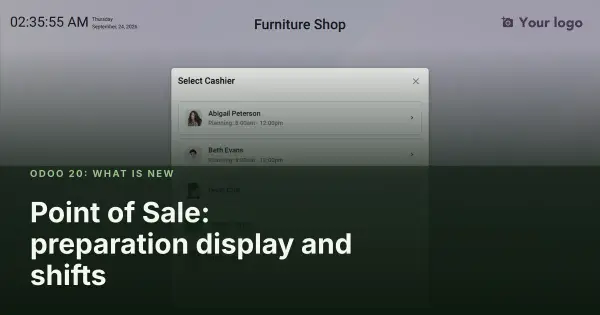
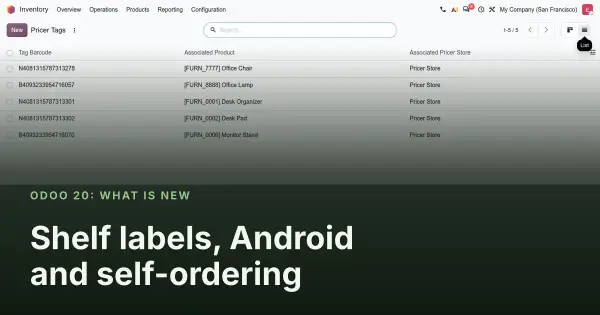
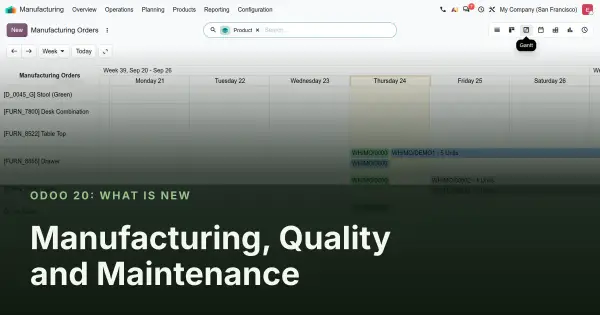
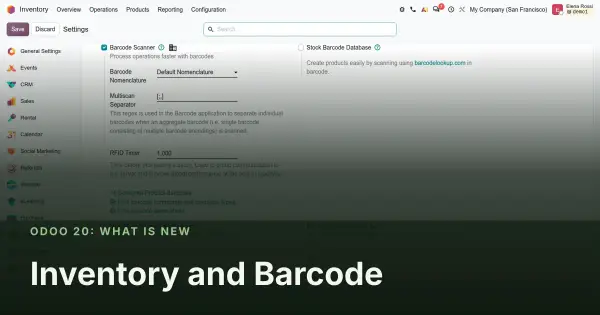
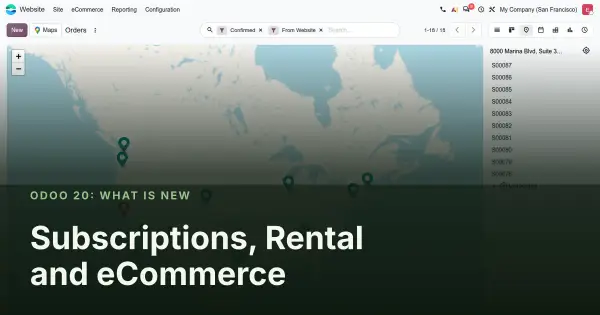
Point of Sale gets a redesigned Preparation Display with stages and alert timers, shift-based cashier login and commission plans, then electronic shelf labels through Pricer, a native Android app and smarter self-ordering with delivery aggregators. Manufacturing gains a Gantt for manufacturing orders, cameras on the shop floor and vendor quality rates on purchase orders. Inventory adds a ShipStation connector, RFID multi-scan and a faster Barcode app. Subscriptions apply loyalty on renewals and prorate more fairly, Rental gets pick-up locations, and eCommerce an orders map.
Marketing, communication and productivity
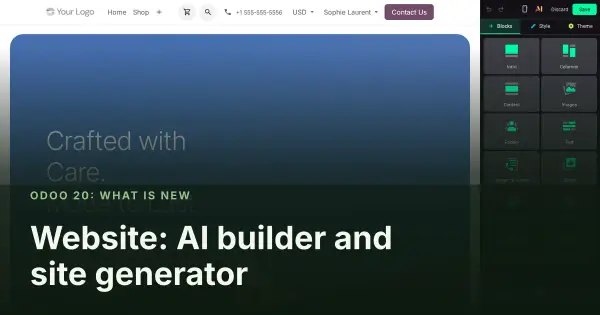
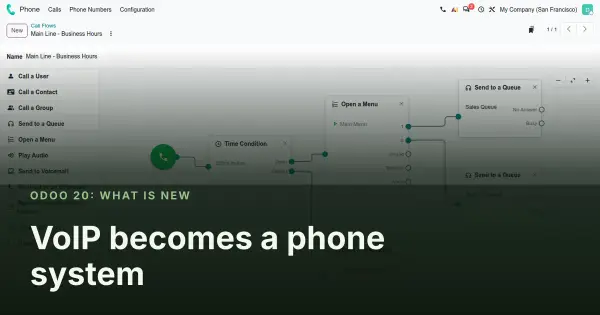
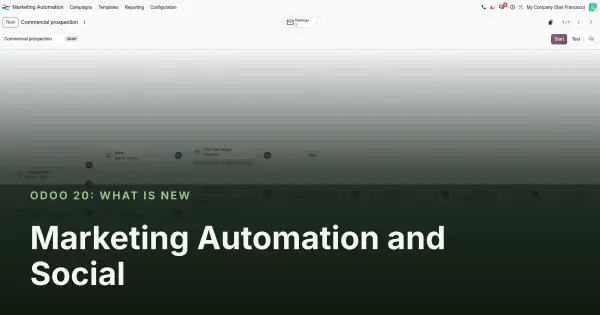
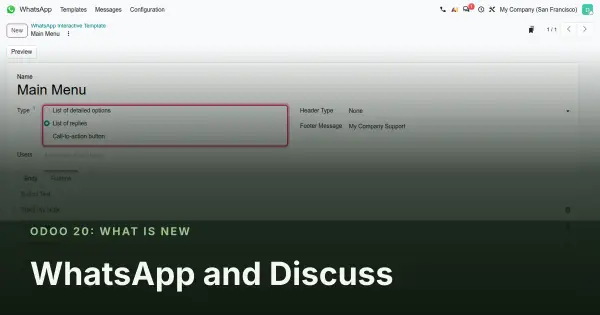
Website gains an AI assistant in the builder, a generator that imports an existing blog or PrestaShop store, and a Data Cleaning app that deduplicates products. VoIP becomes a phone system with providers, call flows, queues and voicemail. Marketing Automation gets dynamic lists and a redesigned flow view; Social Marketing its first real refresh with company and personal LinkedIn accounts. WhatsApp sends interactive messages with buttons and lists. Documents and Knowledge get versions, folder-scoped search and AI sorting. Appointments let visitors reschedule, Studio gets a new report editor, and ESG arrives as its own app.
Modules removed, renamed or replaced
This list comes from a directory comparison between the 19.0 and 20.0 Enterprise branches and from the removal commits in the 20.0 history. It matters for anyone planning a migration, because Odoo only logs "invalid module names, ignored" when an install command names a module that no longer exists, and carries on.
| Area | Odoo 19 | Odoo 20 |
|---|---|---|
| Field Service | industry_fsm and its helpdesk and documents bridges | Gone. Replaced by planning_field_service inside Planning |
| AI | ai_app | Renamed ai_agentic, with 36 new AI modules around it |
| ESG | CSRD modules | Renamed esg, esg_hr, esg_hr_fleet |
| Belgian Point of Sale | pos_blackbox_be and its bridges | Removed as obsolete |
| Belgian payroll connectors | SD Worx, Partena, Group S, UCM, Acerta, Prisma modules | Removed; Dimona merged into the main Belgian payroll module |
| Payroll packages | France, US ADP, Italy SD Worx, Hong Kong eMPF | Absent from the 20.0 Enterprise branch; no removal commit explains why |
| Country reports | German Elster, Colombia DIAN, Mexico polizas, Poland JPK and SAF-T, Dutch and Swedish tax returns, Argentina simple reports | Removed |
| Other | Winbooks import, OnSIP VoIP, Ingenico PoS driver, work-entry bridges, UrbanPiper add-ons | Removed or merged into their parent module |
Headline numbers from the source diff
| Measure | Odoo 19 | Odoo 20 |
|---|---|---|
| Top-level Enterprise modules | 793 | 880 |
| Modules added | 187 | |
| Modules removed | 90 | |
| AI modules | 15 | 51 |
| Commits on 20.0 not on 19.0 | about 12,000 |
These are counts of the Odoo source as of 23 September 2026, not measures of Octura's work. They will move before general availability.
Four caveats before you promise a migration
- AI is a black box you cannot choose. Every AI feature calls Odoo's proxy and is billed in IAP credits. The model is chosen by Odoo and can change without any change on your server. Budget for credits and test the answers on your own data before you rely on them.
- Field Service disappears as an app. Scripts, training material and install commands that name
industry_fsmfail quietly. Search your deployment tooling for the old name before the upgrade. - Several localizations lose ground. If your payroll or your country reports are on the removed list above, confirm where they moved, or wait, before migrating.
- More Python dependencies. A full install needs packages that are not in requirements.txt, notably phonenumbers and xmlsec. Without them, installing a single app such as WhatsApp aborts the database initialisation.
A fifth point predates this release and still stands: Odoo's documentation schedules the removal of the XML-RPC and JSON-RPC endpoints, which most integrations rely on, for Odoo 20; on the pre-release build we used they still answered, so treat it as a deadline rather than a done deal. If anything talks to your database from outside, read our RPC migration audit before you plan the upgrade.
What this means for your upgrade
If you are on Odoo 17 or 18, nothing here changes the advice we give today: plan the move to the current stable release, and treat Odoo 20 as the version you will land on in a second step once it is generally available and its first bug-fix releases have shipped. If you are already on 19, the removed-module list and the RPC change are the two things to check now. Our consultants are certified on Odoo 15 through 19 and will certify on 20 when Odoo opens the exam; until then, we say so rather than claim otherwise.
Our migration service starts with a fixed-scope audit of your database, your customisations and your integrations against exactly the changes in this series. It is the same work whether you upgrade in one step or two.
Frequently asked questions
When is Odoo 20 released?
Odoo has not announced a date. This series was compiled from the 20.0 Enterprise pre-release branch on 23 September 2026; Odoo usually publishes a new major version around its October Experience event, and the first point releases follow in the weeks after. Names, menus and scope can change until then.
Should I upgrade from Odoo 17 or 18 straight to 20?
Not on day one. Move to the current stable release first if you are behind, then plan Odoo 20 as a second step once it is generally available and has a few bug-fix releases behind it. Two smaller upgrades cost less than one rushed jump.
Does Odoo 20 change the Community edition too?
Yes, but this series only covers Community changes where Enterprise modules reference them. The agent platform, the MCP server, Frost, Planning with Field Service and most accounting features are Enterprise.
What happens to Field Service?
It stops being a separate app. The industry_fsm modules are removed and the feature lives inside Planning as planning_field_service. Data migrates, but anything that installs or references the old module name has to be updated.
How is the AI billed and which model answers?
Through IAP credits, via Odoo's own AI proxy. The 20.0 code has no setting to choose the model or to plug in your own OpenAI, Gemini or Anthropic key. The only visible model is the embedding model used for agent knowledge sources.
What is the MCP server for?
It lets an outside assistant such as Claude Desktop or ChatGPT call Odoo tools inside your database, through an API key with an MCP scope or an OAuth client, with the same confirmation cards and access rights as a user.
Is there a dark mode?
Yes. The Frost redesign ships a light and a dark theme that each user picks in Preferences, and forms, kanbans and the home menu were redrawn for both.
Is Octura certified on Odoo 20?
Not yet. Our consultants are certified on Odoo 15 through 19 and will take the Odoo 20 certification when Odoo opens it. Until then we describe what we have tested on the pre-release build and say what we could not verify.