
A partner's list, not a takedown
We are an Odoo partner, and we spent September on the Odoo 20.0 Enterprise pre-release build: 25 deep dives, a film and a dozen stories say what we liked. This page is the other column. Every item below is something we saw on the build or read in the 20.0 source, with the module or file that proves it, and each one ends with what to do about it.
If you run Odoo 17, 18 or 19 today and are planning the upgrade, this is the page to read before the sales deck.
One caveat before the caveats: Odoo 20 is pre-release. Some of what follows is a design decision that will not change, and some is a rough edge Odoo may sand down before general availability. We say which is which.
Observed on the Odoo 20.0 Enterprise pre-release build of September 23, 2026. Names, menus and availability can change before general availability; we will update this page when they do.
Your own OpenAI or Gemini key is gone; Odoo credits are the only way in
This is the change that made us write this page. In Odoo 19, the AI settings page had two switches, Use your own ChatGPT account and Use your own Google Gemini account, each with an API key field stored as ai.openai_key and ai.google_key. Behind them, a provider layer in ai/utils/llm_providers.py listed the models you could pick, from GPT-4o and GPT-5 to Gemini 2.5 Pro and Flash, and every request went from your server to the provider you chose, on your contract, at your price.
In the 20.0 source that file no longer exists, and neither do the settings. Every AI call, from an agent reply to an embedding of a Knowledge article, goes through one function that posts to Odoo's own service at ai.api.odoo.com with the token of an IAP account named Odoo AI, billed in a unit called Credits.
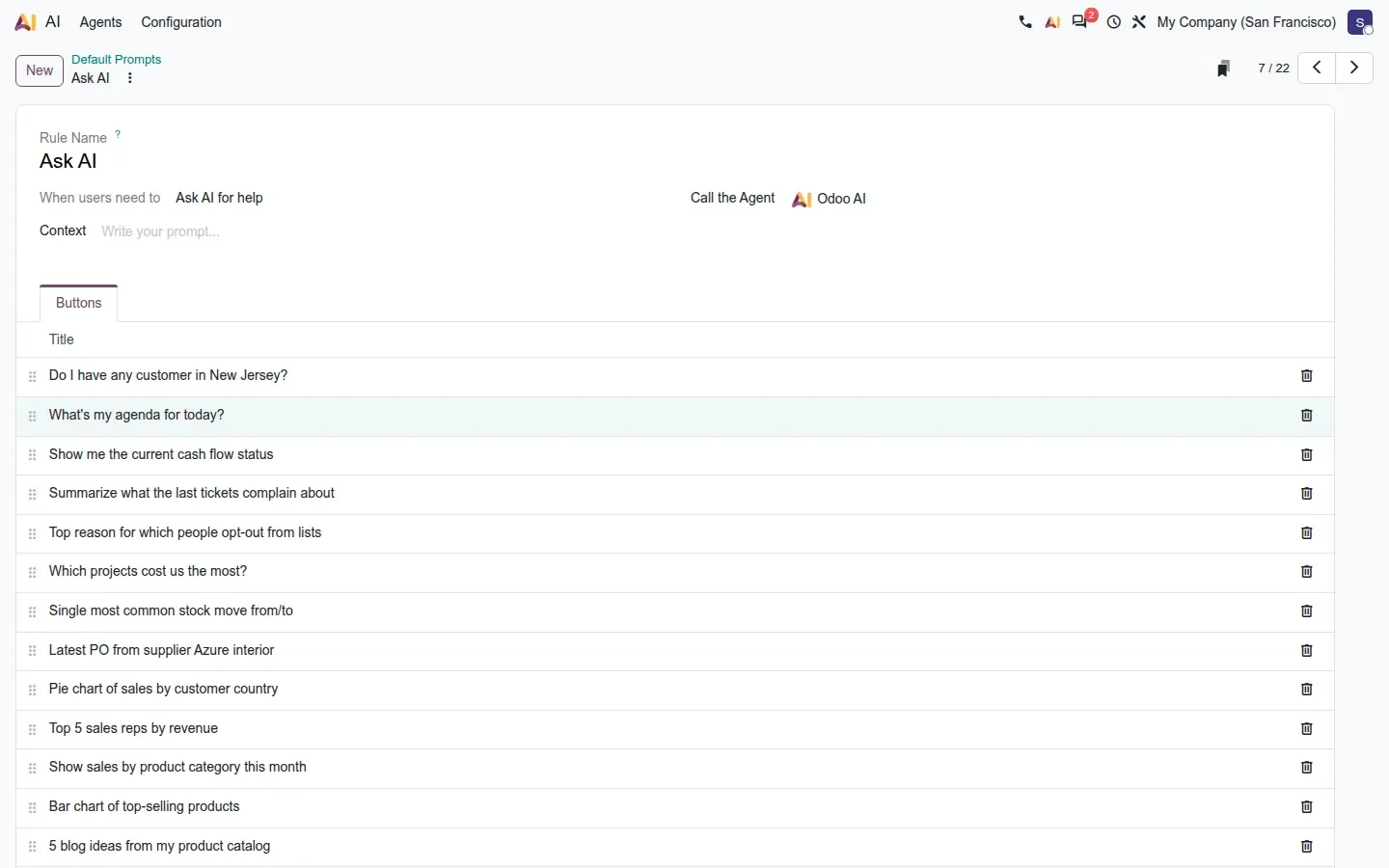
Which large language model answers is decided on Odoo's side and can change without anything changing on your server; the only model name your database still stores is the embedding model on each agent. When the account runs dry, the source is explicit: the agent stops with "Not enough credits to use Odoo AI", and knowledge sources fail to index with the same error.
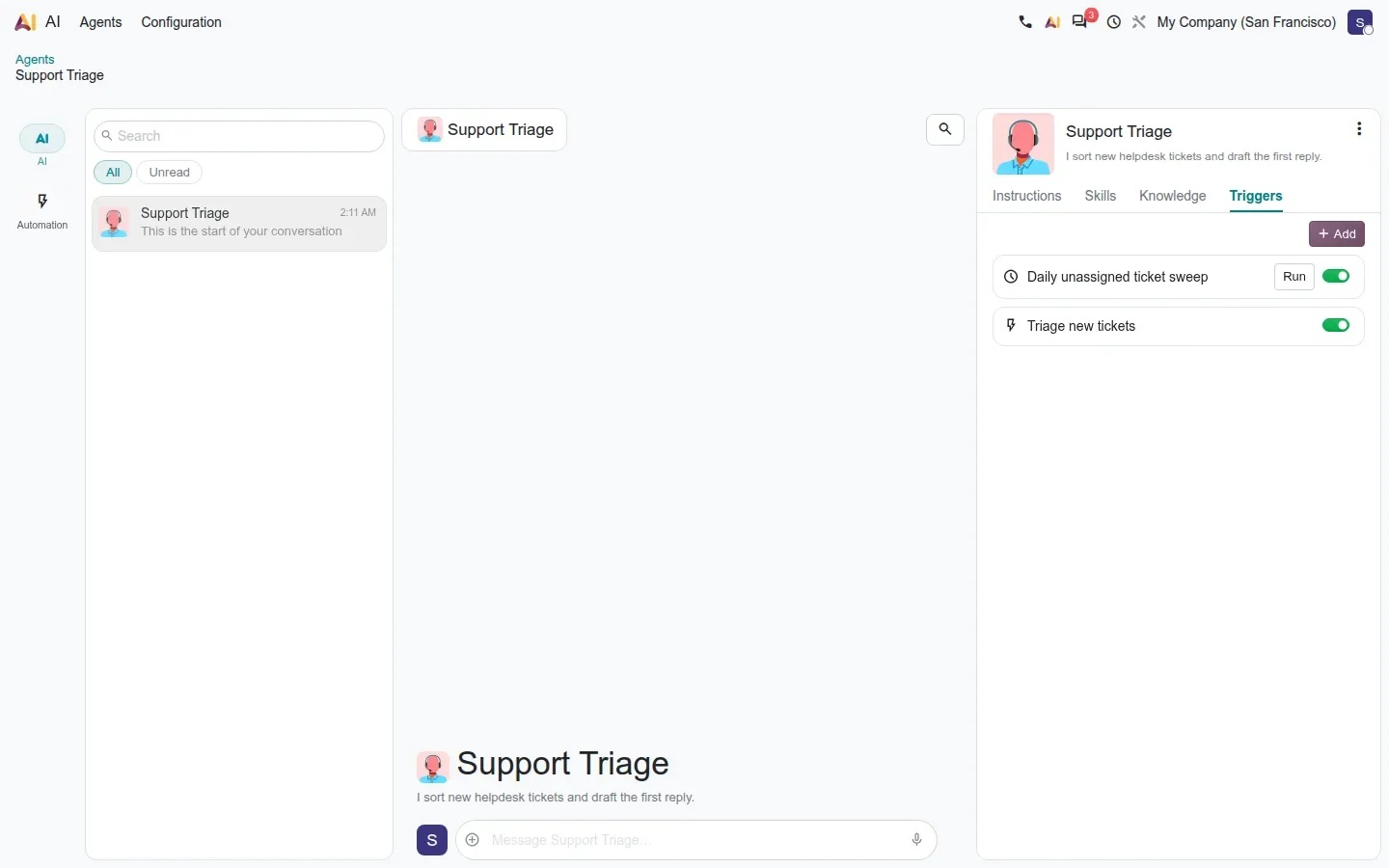
Why it matters: the platform is now excellent, and everything in it is metered. An agent on a scheduled trigger spends credits every time it runs, whether anyone reads the result or not. A company that negotiated an enterprise agreement with OpenAI or Google, or that has data-residency rules about which provider may see its documents, has no switch to flip.
There is a hidden ai.endpoint system parameter that points the client at a different server, but nothing in the code or the documentation describes running your own, so treat it as an implementation detail, not an option.
What to do
Before you upgrade, export your Odoo 19 AI usage for a month, price it in Odoo credits with the agents and triggers you plan to run, and decide which agents may write to records. If the number or the residency question is a blocker, keep the AI features off after the upgrade; everything else in Odoo 20 works without them.
Agents answer through a webhook into your database
The second AI surprise is architectural. An agent conversation is asynchronous: your database opens a session with Odoo's service, and the answer comes back later through a signed webhook to /ai/completion_result_ready on your own server, built from your database's base URL and verified with a per-session secret. That is good engineering for a public SaaS database.
On a private one, behind a VPN or a firewall that only lets office traffic in, the call never arrives. On our demo, which is private, every agent conversation stayed on "Thinking" for as long as we cared to wait, while one-shot features such as text generation and Sort with AI, which use a plain request and response, worked normally.
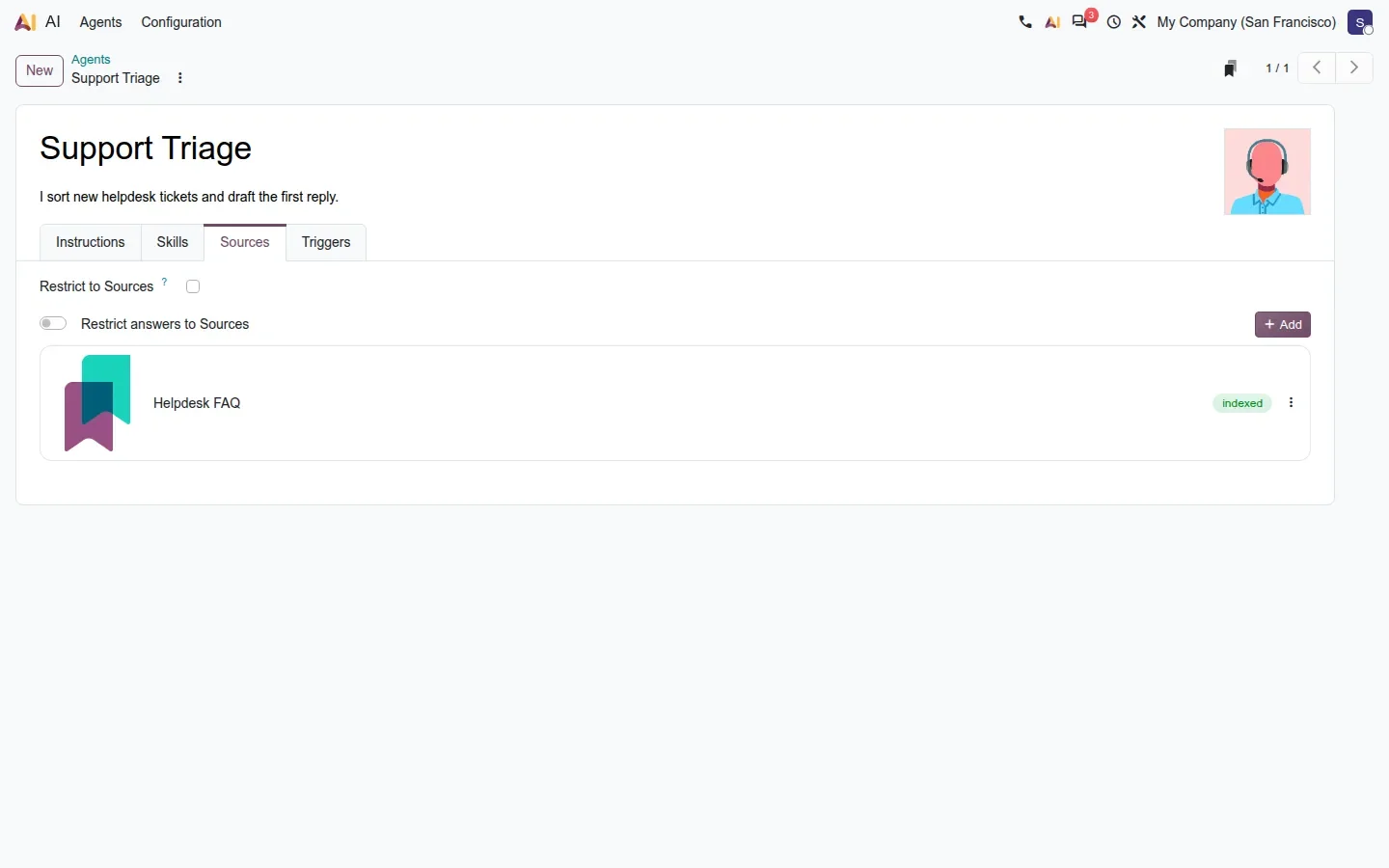
Why it matters: a self-hosted or on-premise Odoo, the setup many of our manufacturing and healthcare customers choose for exactly the privacy reasons above, cannot use agents without exposing that route to Odoo's servers. It is a narrow opening, it is authenticated, but it is an opening your security team will want to see in writing before go-live.
Field Service disappears as an app
The industry_fsm module family and its Helpdesk and Documents bridges are gone from the 20.0 Enterprise branch, replaced by planning_field_service inside Planning. Interventions become shifts with a customer, technicians open Planning on their phone rather than a Field Service app, and the settings move to the Operations block of Planning. Our Planning deep dive walks through the new flow and it is a good one.
The downside is everything that names the old app: install commands, deployment scripts, custom modules that depend on industry_fsm, training material, and the habits of every technician. Odoo logs "invalid module names, ignored" for a module that no longer exists and carries on, so a broken install script does not fail loudly.
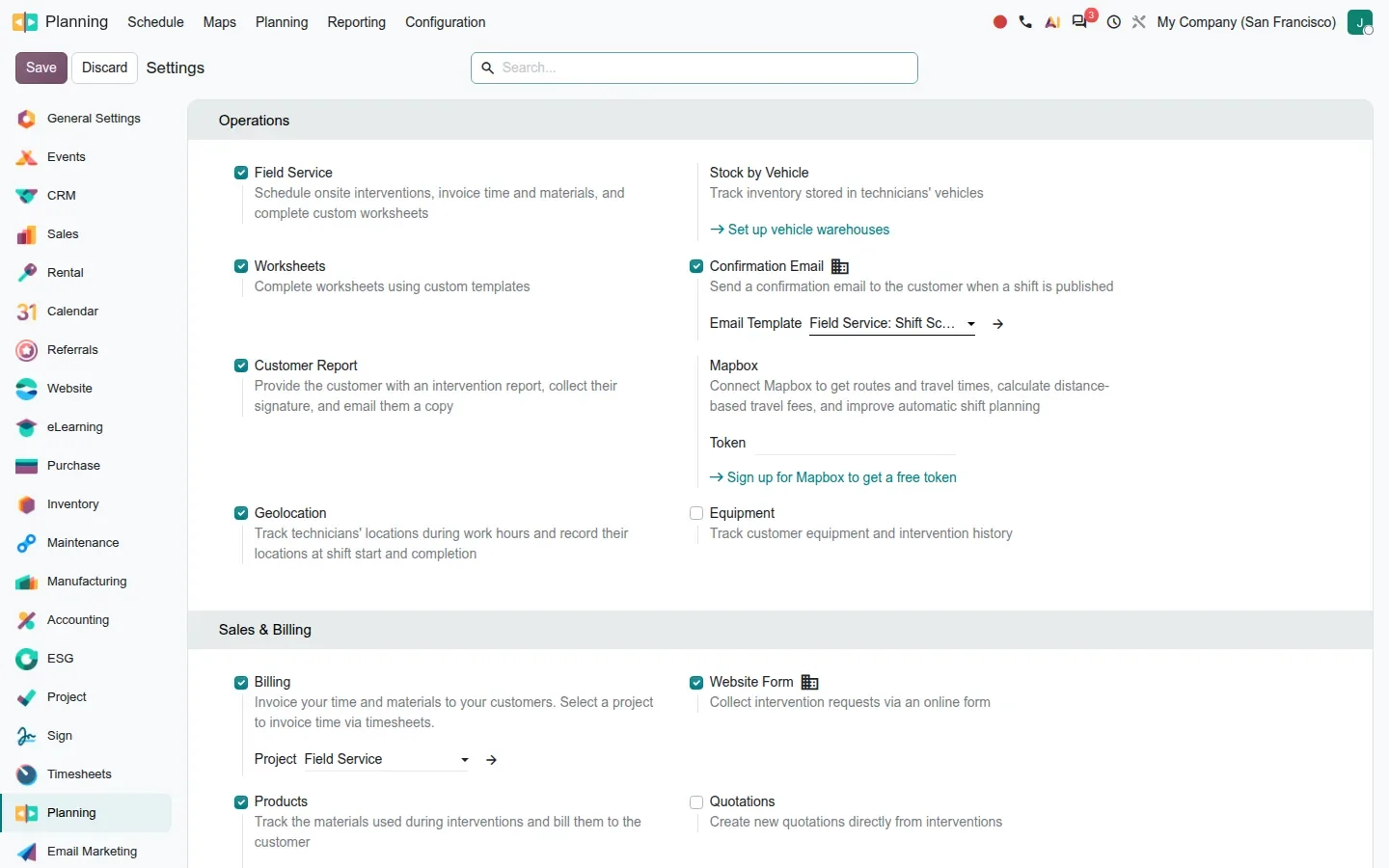
Why it matters: the guide says nothing about how existing interventions and worksheets convert, so plan a test upgrade on a copy of your database before you promise a date to a field team.
Ninety modules removed, and some localizations lose ground
According to the directory comparison between the 19.0 and 20.0 Enterprise branches, 187 modules appear and 90 disappear. Most removals are tidy-ups, but some are features a company may be running today: the Belgian payroll connectors for SD Worx, Partena, Group S, UCM, Acerta and Prisma; the Belgian Point of Sale blackbox; the German Elster, Colombian DIAN, Mexican polizas, Polish JPK and SAF-T, Dutch and Swedish tax return reports; the Winbooks import; the OnSIP VoIP module; the Ingenico Point of Sale driver.
The payroll packages for France, the US ADP connector, Italy SD Worx and Hong Kong eMPF are absent from the branch with no removal commit that explains why, which usually means they move to a separate repository, but nobody has said so yet.
| Area | Odoo 19 | Odoo 20 |
|---|---|---|
| Field Service | industry_fsm and its bridges | Gone; planning_field_service inside Planning |
| AI | ai_app, with your own provider keys | ai_agentic and 36 bridge modules; Odoo credits only |
| Belgian payroll connectors | Six connector modules | Removed; Dimona merged into the main module |
| Payroll packages | France, US ADP, Italy SD Worx, Hong Kong eMPF | Absent from the branch, unexplained |
| Country reports | Elster, DIAN, polizas, JPK, SAF-T, NL and SE returns | Removed |
| Other | Winbooks import, OnSIP VoIP, Ingenico PoS driver | Removed or merged |
Why it matters: if your payroll or your statutory reports are on that list, the upgrade is not a version bump but a replacement project, and the replacement may not exist yet.
More features need a subscription, a service or hardware
The release keeps adding features that are free to install and not free to run. The VoIP app grows a real PBX with call flows, queues and menus, but on this build the PBX records and even saving a call flow require the Odoo Phone Service subscription; a third-party SIP provider keeps the softphone and the call log, not the phone system.
Stripe Issuing expense cards exist only where Stripe Issuing exists, which on our demo meant the Belgian company and not the Canadian one. Loan digitisation and every AI feature spend IAP credits. The Timesheets Assistant needs the ActivityWatch tracker on each employee's computer to read browser activity. The new Obox needs its own hardware, and the Android Point of Sale needs Android devices. None of this is hidden, and all of it is outside the licence price.
Why it matters: a cost model for Odoo 20 has three lines the Odoo 19 model did not: credits, Odoo Phone Service, and devices. Our true cost of Odoo analysis already argued the licence is a fifth of the budget; in 20 it is a smaller fifth.
Undeclared Python dependencies, and the RPC deadline
A full install of the 20.0 branch needs Python packages that are not in requirements.txt, notably phonenumbers and xmlsec. Without them, installing a single app such as WhatsApp aborts halfway with a traceback rather than a clear message. This is the kind of rough edge that tends to be fixed before general availability, but it cost us an afternoon and it will cost yours if you build your own images.
The other plumbing item predates the release: Odoo's documentation schedules the removal of the XML-RPC and JSON-RPC endpoints, which nearly every Odoo integration written in the last decade relies on, for Odoo 20. On the pre-release build we used they still answered, so treat it as a deadline rather than a done deal, and note that the new MCP server is presented as the path for AI assistants, not as a replacement for your carrier connector or your BI feed. If anything talks to your database from outside, that inventory is what our RPC migration audit produces.
What the pre-release build does not match yet
Twelve of the 35 sections in our source notes carry corrections where the shipped build disagrees with Odoo's own feature descriptions: menu paths that moved, buttons with other names, a dynamic list that lives under Email Marketing rather than on the mailing list, a slot deletion mode in Appointments that does not exist, a fiscal-year filter in spreadsheets that is not there.
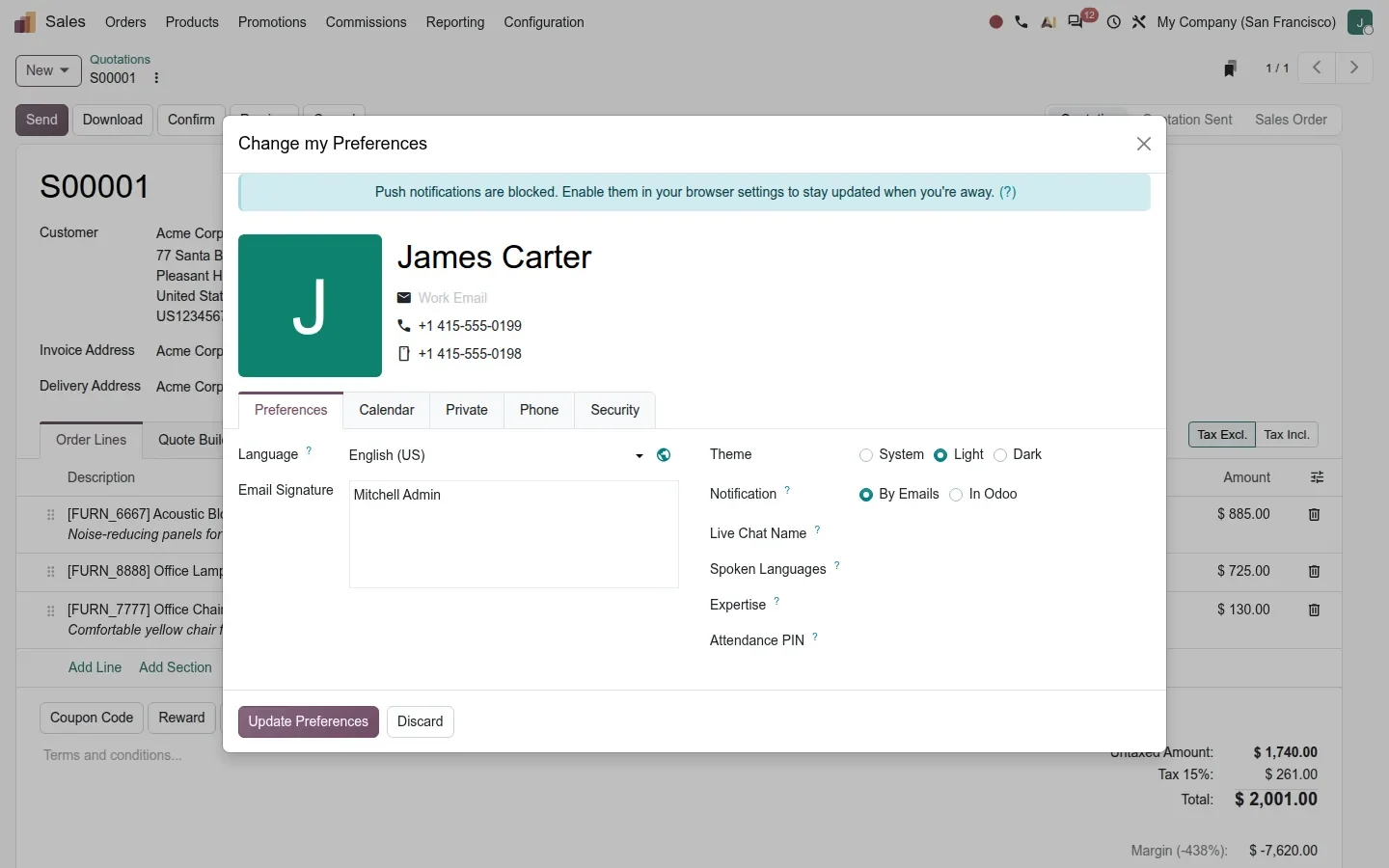
We applied every correction in the deep dives, and we expect some to flip back before release. Dark mode is real and stored as a preference, and several screens still need contrast fixes that the commit history shows in progress.
Why it matters: do not write your training material from the pre-release, and do not sign a fixed-scope upgrade against it. Everything in this series will be re-checked on the general-availability build, and this page will be updated.
How to measure your own exposure in an afternoon
- In Odoo 19, open Settings > AI and note whether either "Use your own account" switch is on. If it is, you are the company this page was written for.
- Search your deployment scripts, Docker files and custom modules for
industry_fsm,ai_appand the names in the removed-modules table. - List every payroll package and statutory report you file from Odoo, and check it against the same table.
- Count what talks to Odoo from outside: connectors, scanners, BI tools, scripts. Each one is an RPC client until proven otherwise.
- If you self-host, ask whether your Odoo can receive a signed webhook from Odoo's servers. If the answer is no, agents are off the table until it is yes.
- Price the credits: agents, triggers, embeddings, loan digitisation, plus Odoo Phone Service if you want the PBX.
What we could not verify on the pre-release build
We could not measure the price of a credit against a real workload, because the IAP service answered "Not enough credit" on the demo account; the billing unit and the error path are in the source, the tariff is not. We did not run an agent with a public callback URL, so the webhook path is read from the code, not exercised. The absence of the French, US ADP, Italian and Hong Kong payroll packages is a directory fact; where they went is not documented. Everything else on this page was clicked through or read in the 20.0 Enterprise branch of 23 September 2026.
What this means for an upgrade
None of this is a reason to skip Odoo 20; the series hub lists twenty-five reasons to want it. It is a reason to upgrade with a list: which AI features you will pay for, which app names your tooling still uses, which localizations you depend on, which integrations need the RPC inventory, and whether your hosting can take a webhook. We build that list, priced, as the first step of our migration service, and we would rather you read this page before the call than after the upgrade.
Frequently asked questions
Can I use my own OpenAI or Gemini API key in Odoo 20?
Not on the 20.0 pre-release build. The Odoo 19 settings for your own ChatGPT and Google Gemini accounts and the provider layer behind them are gone from the source; every AI request goes to Odoo's own service and is billed in Odoo AI credits, with the model chosen on Odoo's side.
Do Odoo 20 AI agents work on a self-hosted or on-premise database?
Only if Odoo's servers can reach your database: agent replies arrive through a signed webhook to a route on your own server. On a private database behind a VPN or firewall the conversation stays on Thinking, while one-shot features such as text generation and Sort with AI still work.
Is Field Service really removed in Odoo 20?
As a separate app, yes. The industry_fsm modules and their bridges are gone from the 20.0 Enterprise branch and interventions become customer shifts inside Planning. The workflow is good; the risk is every script, module and habit that still names the old app.
Which localizations does Odoo 20 lose?
According to the source comparison: the Belgian payroll connectors and PoS blackbox, and the German Elster, Colombian DIAN, Mexican polizas, Polish JPK and SAF-T, Dutch and Swedish tax return reports. The French, US ADP, Italian SD Worx and Hong Kong eMPF payroll packages are absent from the branch without an explanation yet.
Is Odoo 20 more expensive to run than Odoo 19?
The licence is not the question; the metered parts are. AI credits for agents, triggers and embeddings, the Odoo Phone Service for the new PBX, Stripe Issuing where it exists, and hardware for Obox and Android Point of Sale all sit outside the licence. Price them before you upgrade, not after.